 Bridge
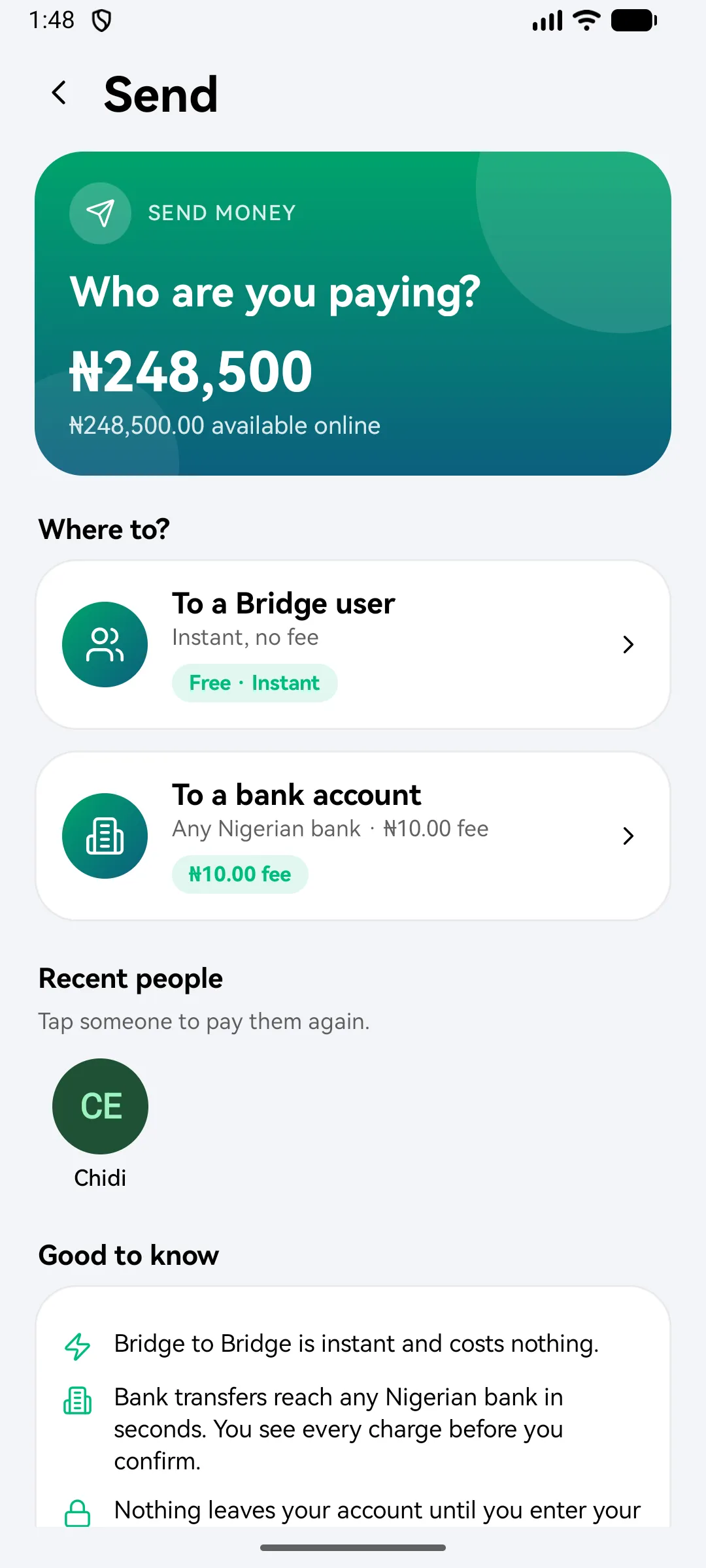
Send to a bank account
Applies to Bridgemoni 2.1Last checked 22 October 2026
You can send money from Bridgemoni to an account at any Nigerian bank.
Steps
- Tap Send, then To a bank account.
- Choose the bank and enter the 10-digit account number.
- Check the name that comes back. It’s the name the bank holds for that account.
- Enter the amount.
- Check the review. It shows any fees and taxes, and the total that leaves your account.
- Enter your money PIN.
Good to know
- You need a verified BVN to send to other banks. See Add your BVN.
- Fees for bank transfers are shown before you confirm. See Fees and limits.
What you'll see
Did this help?
Thanks for telling us.
Still stuck? Contact us. We'll never ask for your PIN or password.