 Bridge
Send a voucher, not just money.
Money on a code you can hand over. Spent all at once, or a bit at a time.
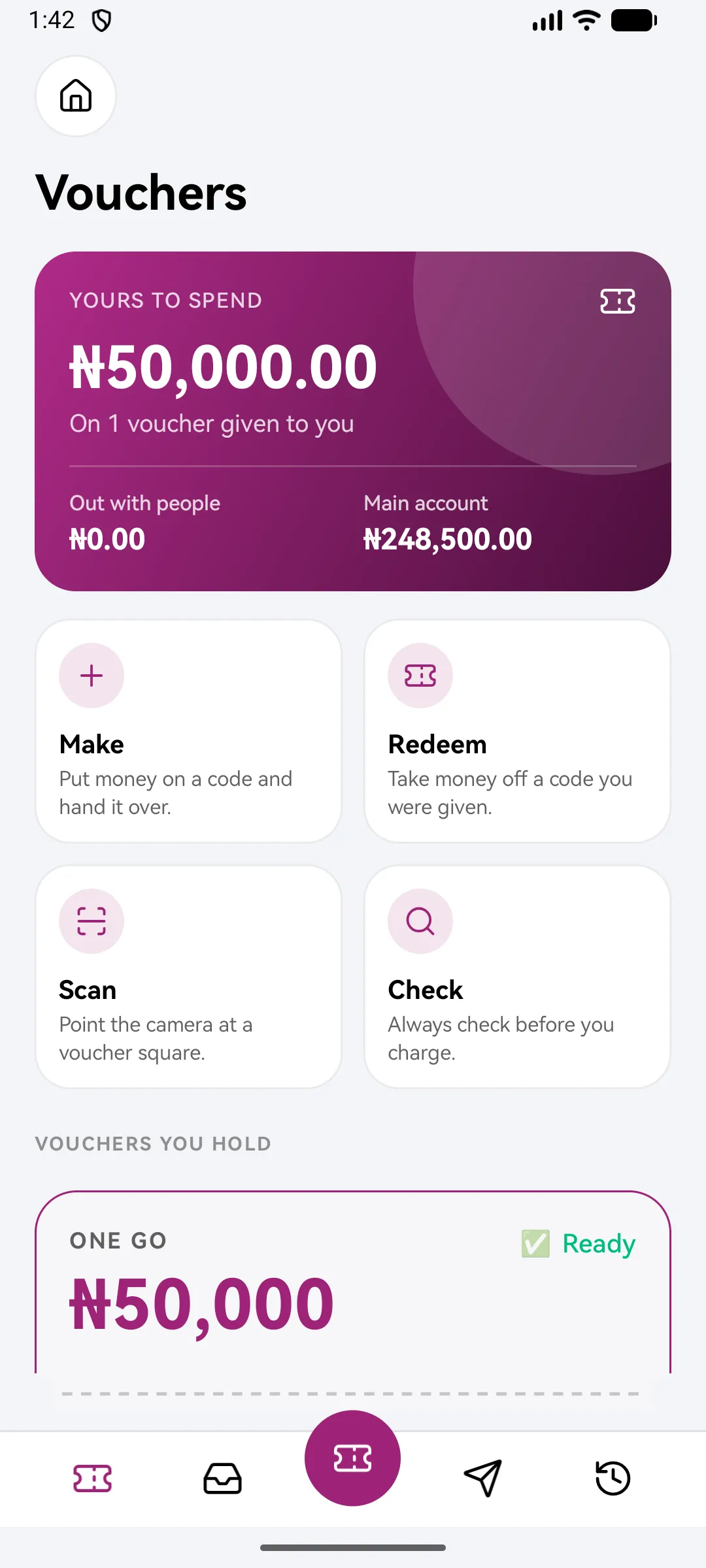
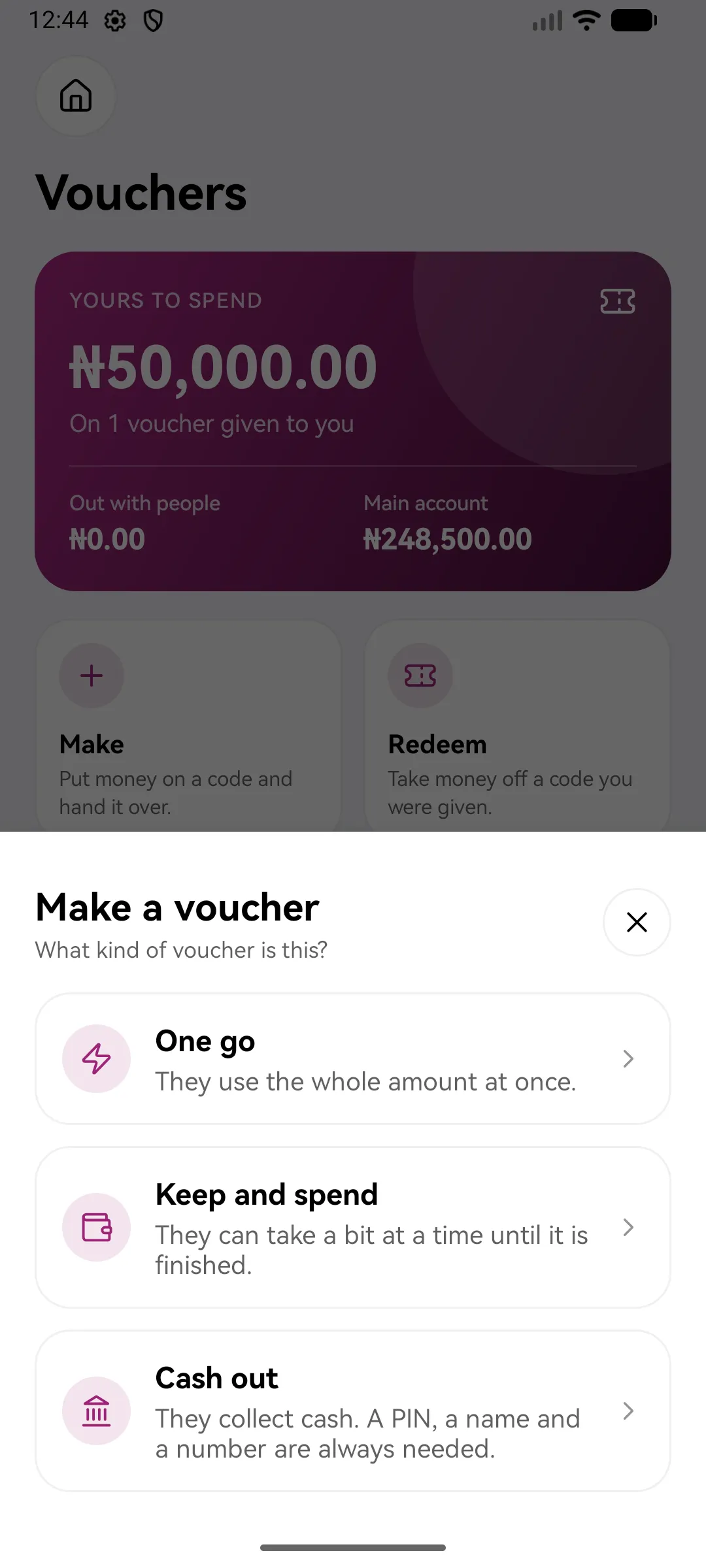
Choose how they can spend it.
One go
They use the whole amount at once.
Keep and spend
They can take a bit at a time until it is finished.
Cash out
They collect cash. A PIN, a name and a number are always needed.
Four steps to make one.
Pick a kind
One go, keep and spend, or cash out.
Set the amount
From your main account.
Say who it's for
Add their name and number, or leave both empty so anyone with the code can use it.
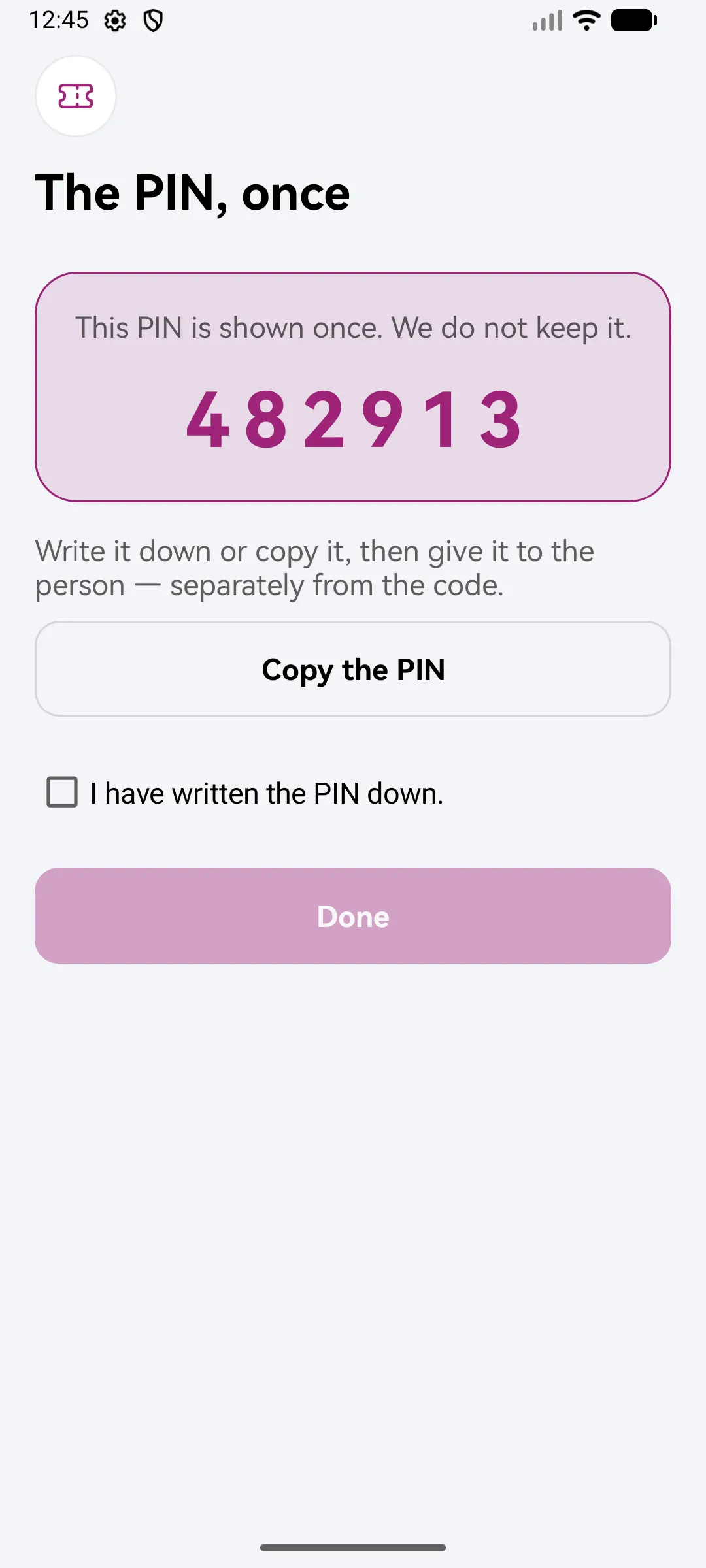
Add a PIN and make it
Choose a PIN or let Bridgemoni make one, check it over, then hold to make the voucher. A PIN is shown once: “You will not see this PIN again.”
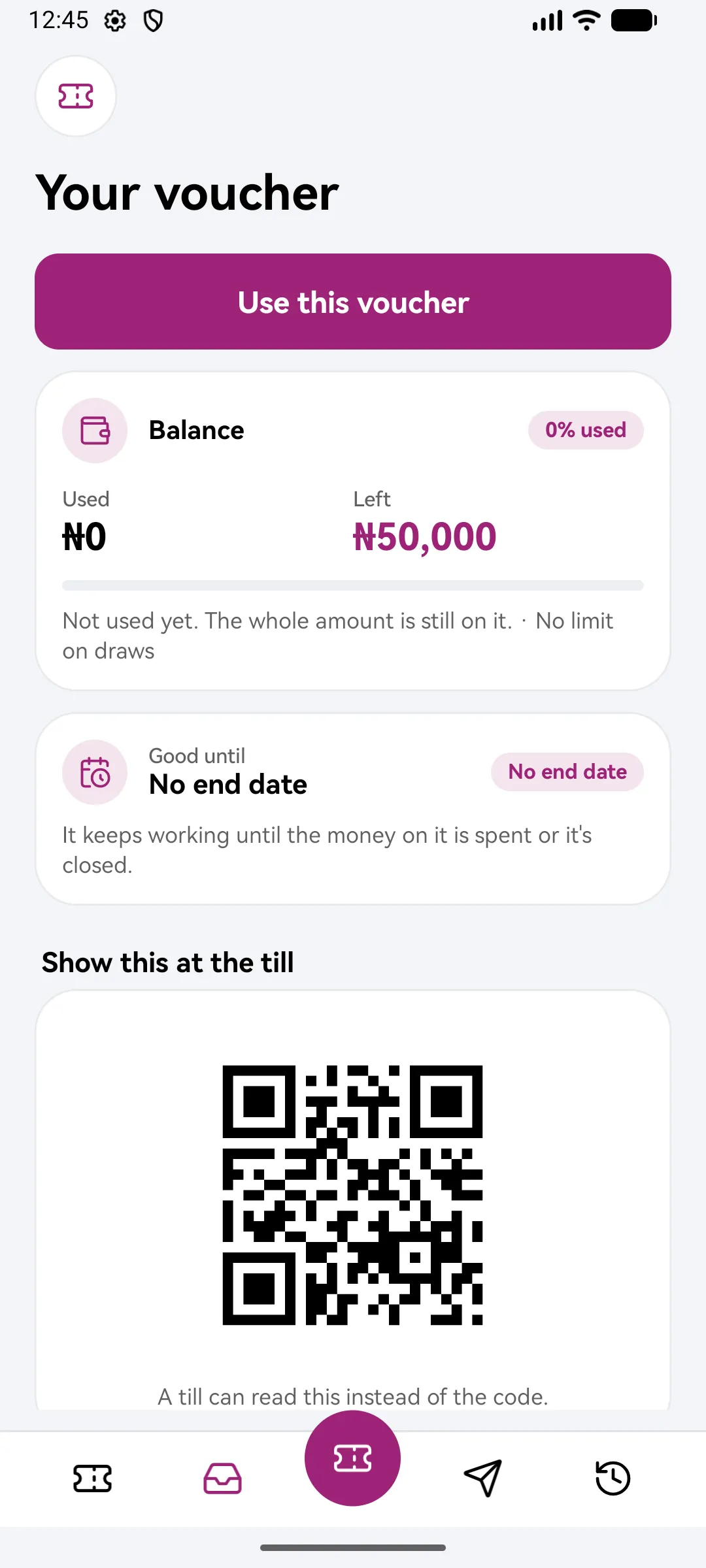
By code or by QR.
Send the code in a message, or let them scan the square. You see the moment it's used.
- Too many wrong PIN tries lock the voucher
- Close it and the money goes back to your main account
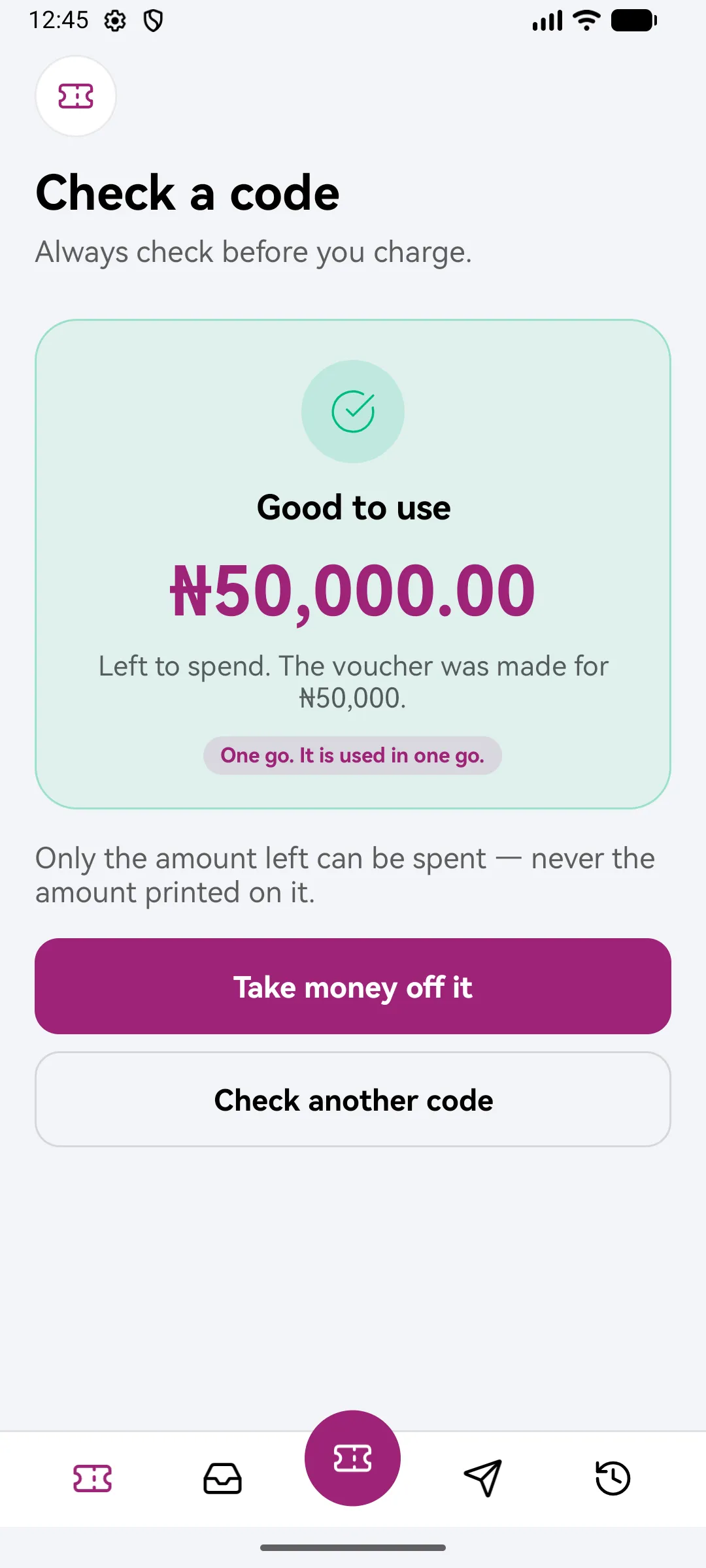
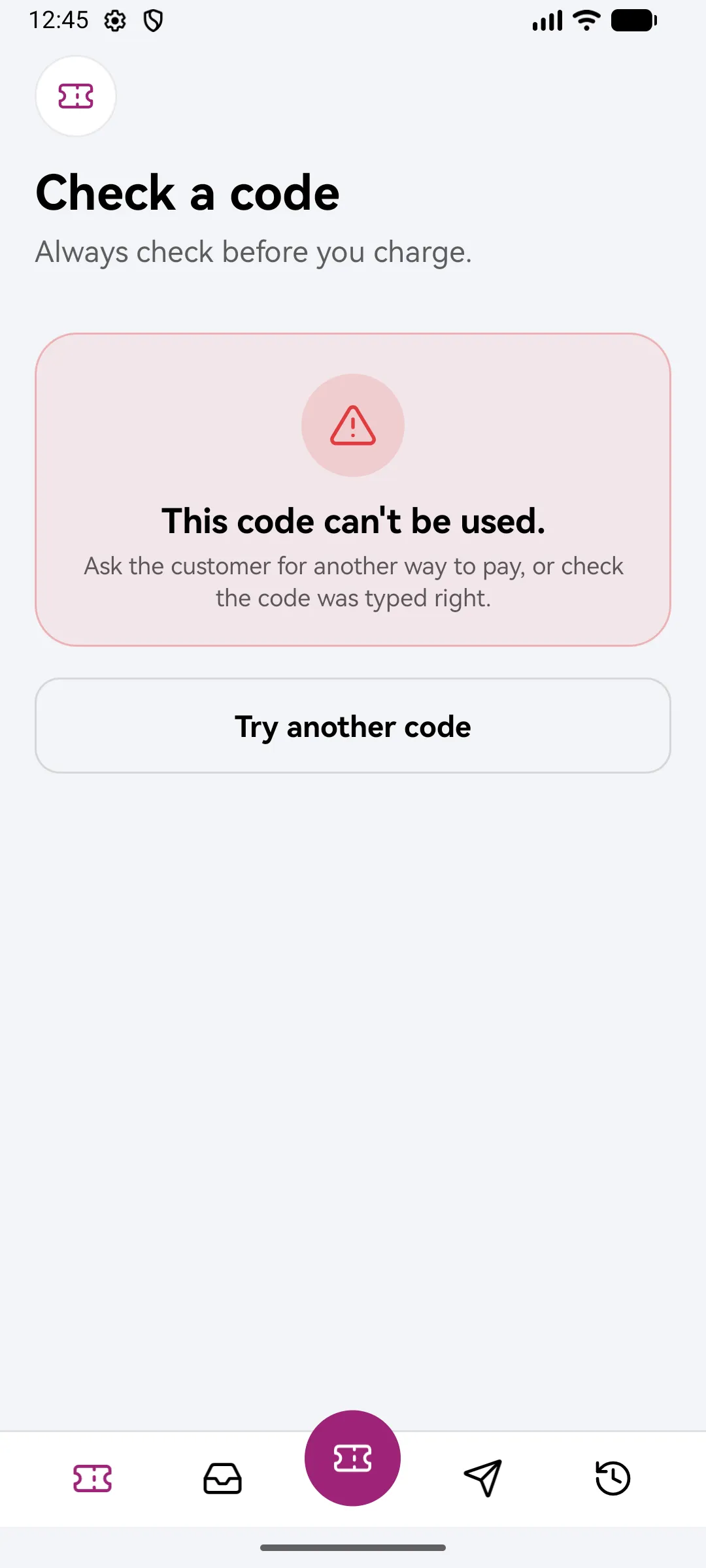
Always check before you charge.
Scan or type a code to see if it's good, and how much is on it, before you hand anything over.
Questions about vouchers
What if someone guesses the PIN?
Too many wrong tries lock the voucher. Whoever made it can unlock it.
Can I cancel a voucher?
Close it and the money goes back to your main account.
Does the person need Bridgemoni?
To redeem a voucher in the app, yes. Cash-out vouchers are collected with the PIN, a name and a number.
A pot for the people you support
Set money aside, send it, and see what you promised against what you sent.
Family potPay safely when you buy
Bridgemoni holds the money and pays the seller only when you approve each stage.
DealsSend to any Nigerian bank
Free and instant to Bridgemoni users. Every fee shown before you confirm.
Send & receiveSend a voucher. Get Bridgemoni.
Online money and offline money, in one app.
On Android and iPhone. Offline payments work between Android phones and iPhones, either way, over NFC or Bluetooth.