 Bridge
Safe by design.
Three secrets, a key that never leaves your phone, a lost phone you can freeze in seconds, and a banking partner holding your funds.
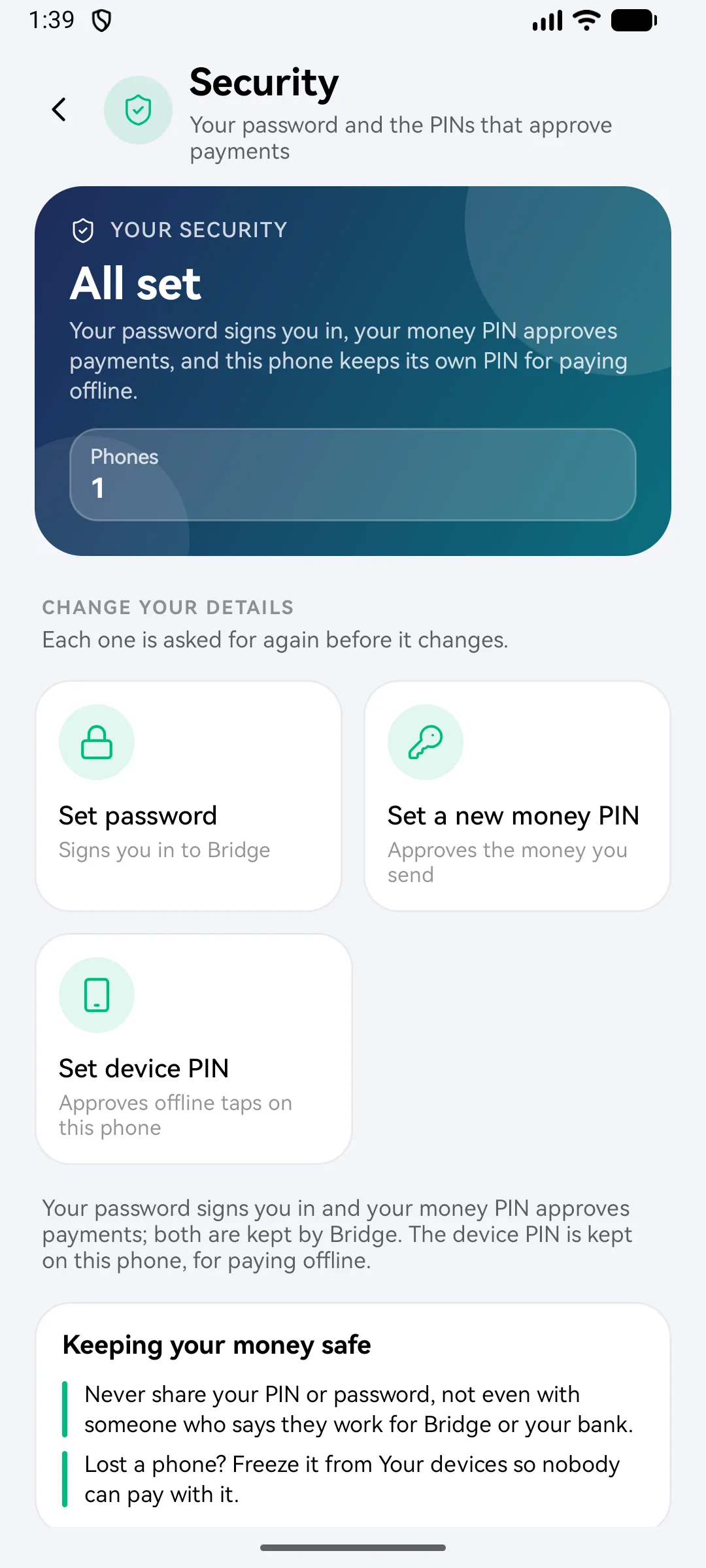
One to sign in. One for money. One for offline.
Password
To sign in. At least 12 characters, with letters and numbers.
Money PIN
You'll enter this every time money leaves your account, online or offline.
Device PIN
Approves offline taps. The bank registers it against this phone.
The key stays on your phone.
A key is made on your phone and kept in its secure hardware where it has it. It never leaves. Bridgemoni locks itself when you step away, and blocks screenshots on money screens.
- Offline key kept in your phone's secure hardware, where it has it
- Your records on the phone are encrypted, and left out of backups
- Screenshots blocked on money screens
- Auto-lock, and a lockout after wrong tries
- Signed out after a while, to keep your money safe
Freeze it from any other device, instantly.
See every phone linked to your account, and freeze a lost one so it can't spend.
Money on the phone is like cash
Money you moved onto a lost phone, before it settled, can be lost. Keep only what you need there.
Where your money is
Powered by Pedistack. Authorized by a CBN-licensed commercial bank and other partners.
We will never ask for your PIN or password.
Not on the phone, not by WhatsApp, not by SMS, not on this website. Anyone who asks is not Bridgemoni.
Think someone is pretending to be us?
- Don't share any code, PIN or password
- Freeze your phone from another device if you've shared one
- Tell us: info@pedistack.com
Close your account
Close your account from the app. The request waits through a cooling-off period, and you can cancel it before it starts.
How to close your accountFound a security problem?
Report it to info@pedistack.com. We'll acknowledge it and keep you updated.
Get Bridgemoni.
Online money and offline money, in one app.
On Android and iPhone. Offline payments work between Android phones and iPhones, either way, over NFC or Bluetooth.