 Bridge
Receive offline
Applies to Bridgemoni 2.1Last checked 22 October 2026
You can take a payment from another Bridgemoni phone with no network.
Steps
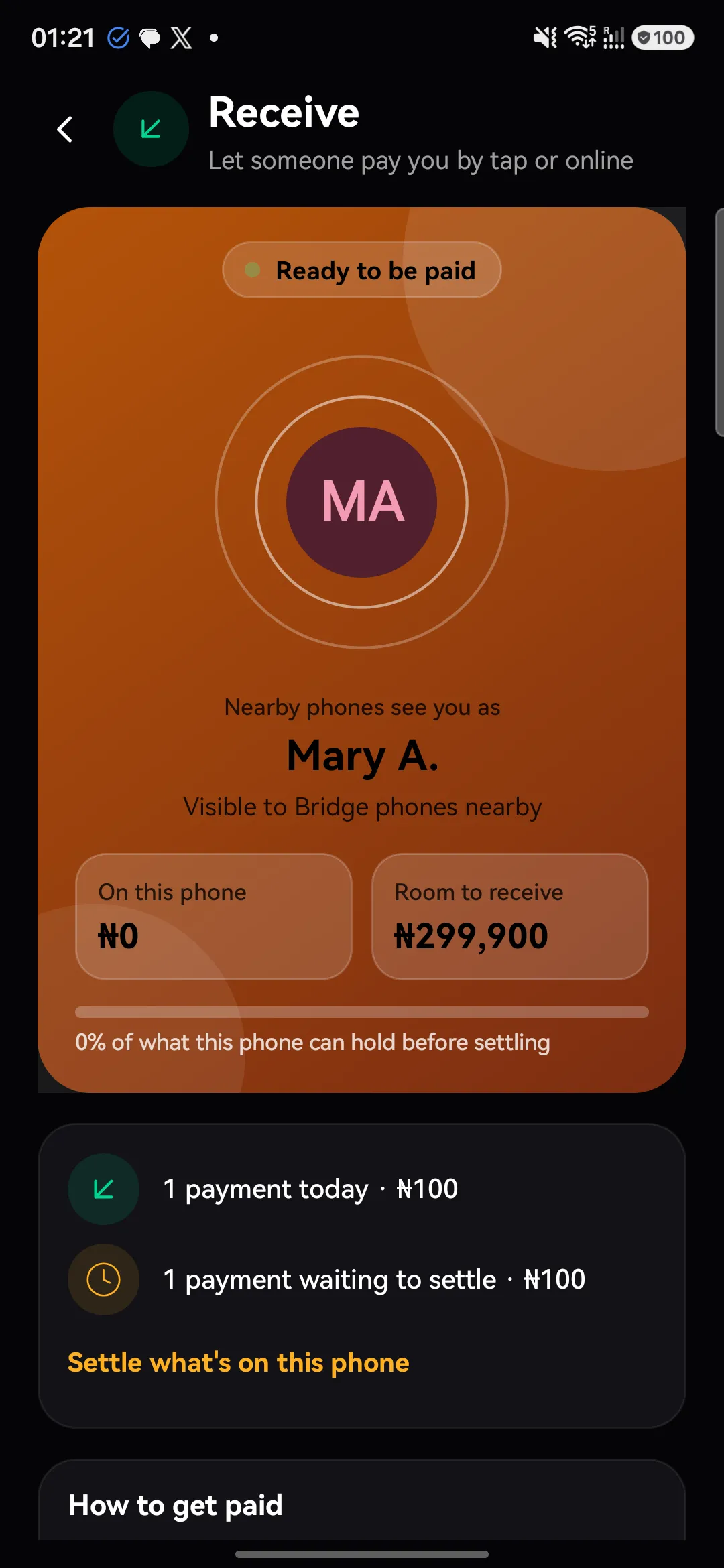
- Switch to Offline and tap Receive. Your phone is now visible to Bridgemoni phones nearby, by your name.
- Hold the phones close. When someone wants to pay you, you’ll see their name and the amount.
- Tap Accept, or Decline.
The money is held on this device straight away. It becomes bank money the moment either phone gets signal.
Good to know
- Money paid to you offline lands in Collected. It becomes yours to spend once it has settled.
- A phone can only collect so much before it settles. If you see Nearly full or This phone is full, tap Settle now when you have signal.
- People can always pay you online too, by your phone number.
What you'll see
Did this help?
Thanks for telling us.
Still stuck? Contact us. We'll never ask for your PIN or password.