 Bridge
Move money to your phone
Applies to Bridgemoni 2.1Last checked 22 October 2026
To pay with no network, you need money on your phone. You move it from your main account while you’re online.
Steps
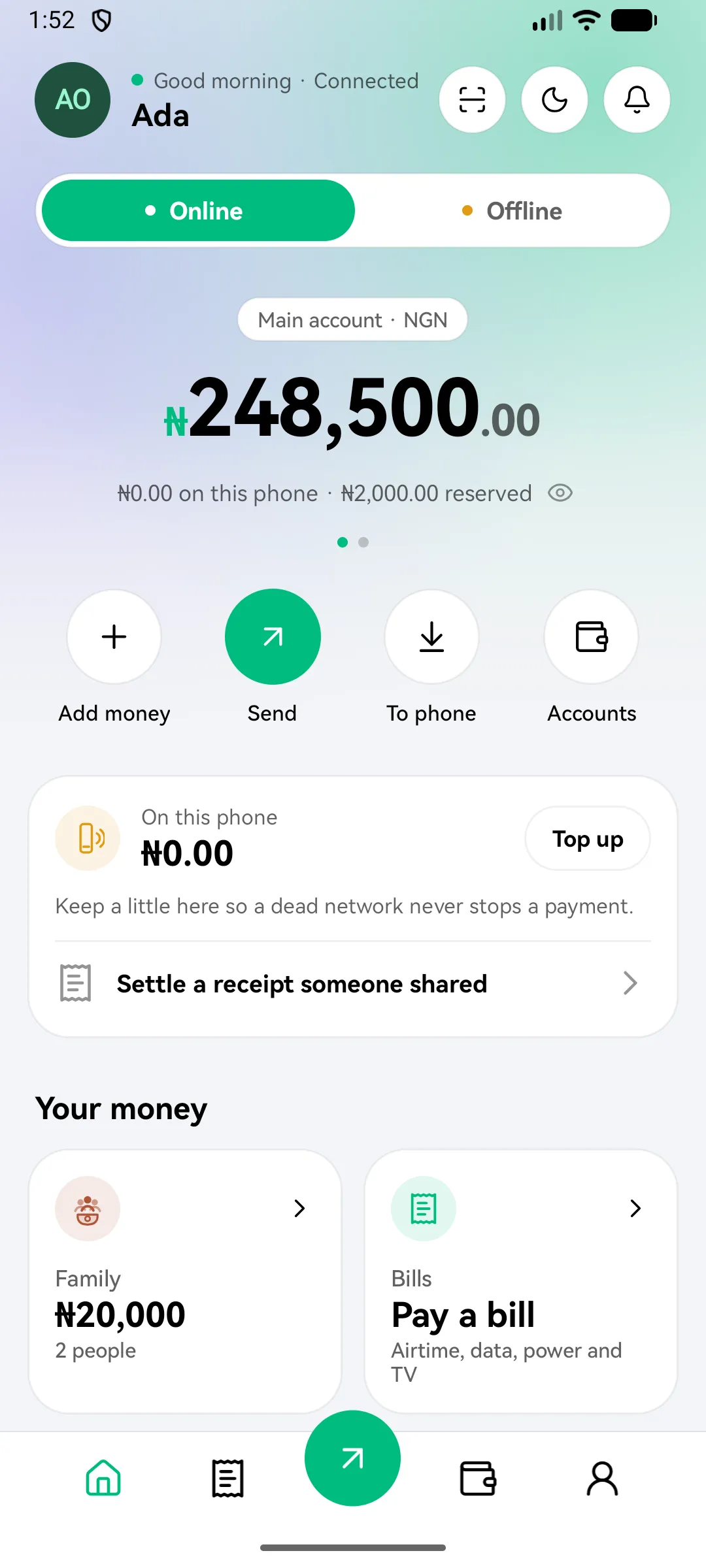
- On the home screen, find On this phone and tap Top up. Or tap To phone.
- The first time, read Money on this phone is held by you and tap I understand, continue.
- Enter how much to move. The screen shows how much this phone can hold at a time.
- Check Before you confirm. It shows any fees and taxes.
- Enter your money PIN.
The money now shows as spendable on this phone.
Before you move money
Money on your phone is like cash in your wallet. If the phone is lost, stolen, wiped, or the app is deleted or reinstalled, the balance on it goes with it. Move only what you are prepared to carry. Read the offline risk disclosure.
Good to know
- You need a network to move money onto the phone. Once it’s there, you can spend it with no signal at all.
- How much a phone can hold is set by the bank. See Fees and limits.
What you'll see
Did this help?
Thanks for telling us.
Still stuck? Contact us. We'll never ask for your PIN or password.