 Bridge
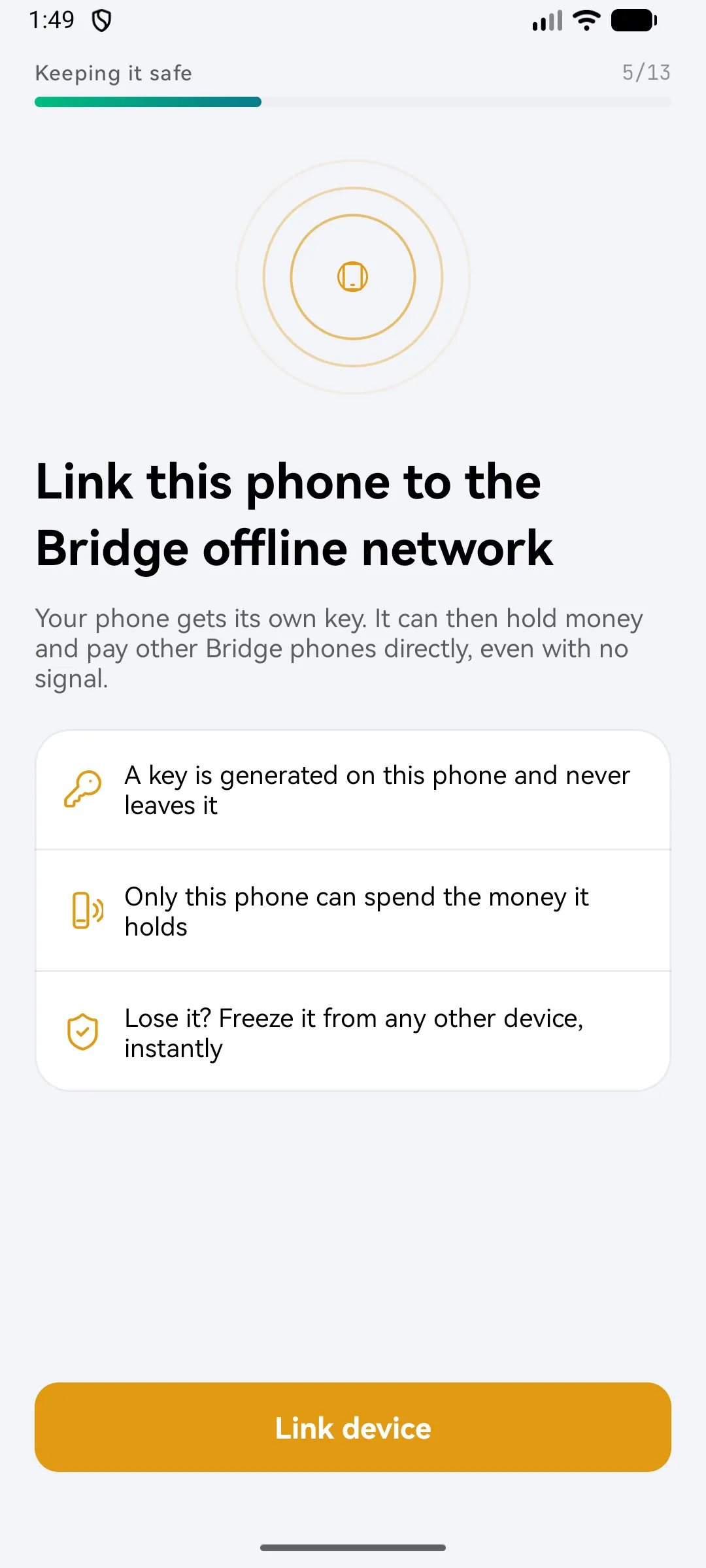
Link your phone for offline payments
Applies to Bridgemoni 2.1Last checked 22 October 2026
Before you can pay with no network, your phone has to be linked to the Bridgemoni offline network. Most people do this when they sign up.
What linking does
- A key is made on this phone, in its secure hardware, and never leaves it.
- Only this phone can spend the money it holds.
- If you lose it, you can freeze it from any other device, instantly.
Steps
- If you didn’t link during sign-up, open Offline on the home screen and follow the prompt.
- Wait while the phone links. Keep your network on.
- Create a device PIN. The bank registers it against this phone, and you’ll use it for offline taps.
If something goes wrong
- “This phone can’t hold money offline.” Offline payments need a secure chip to keep your key in, and some phones don’t have one. Everything else in Bridgemoni still works.
- “Your money is on another phone.” Your offline wallet is linked to a different phone. Unlink that one in Your devices first. Anything it still holds has to be settled before it goes.
What you'll see
Did this help?
Thanks for telling us.
Still stuck? Contact us. We'll never ask for your PIN or password.