 Bridge
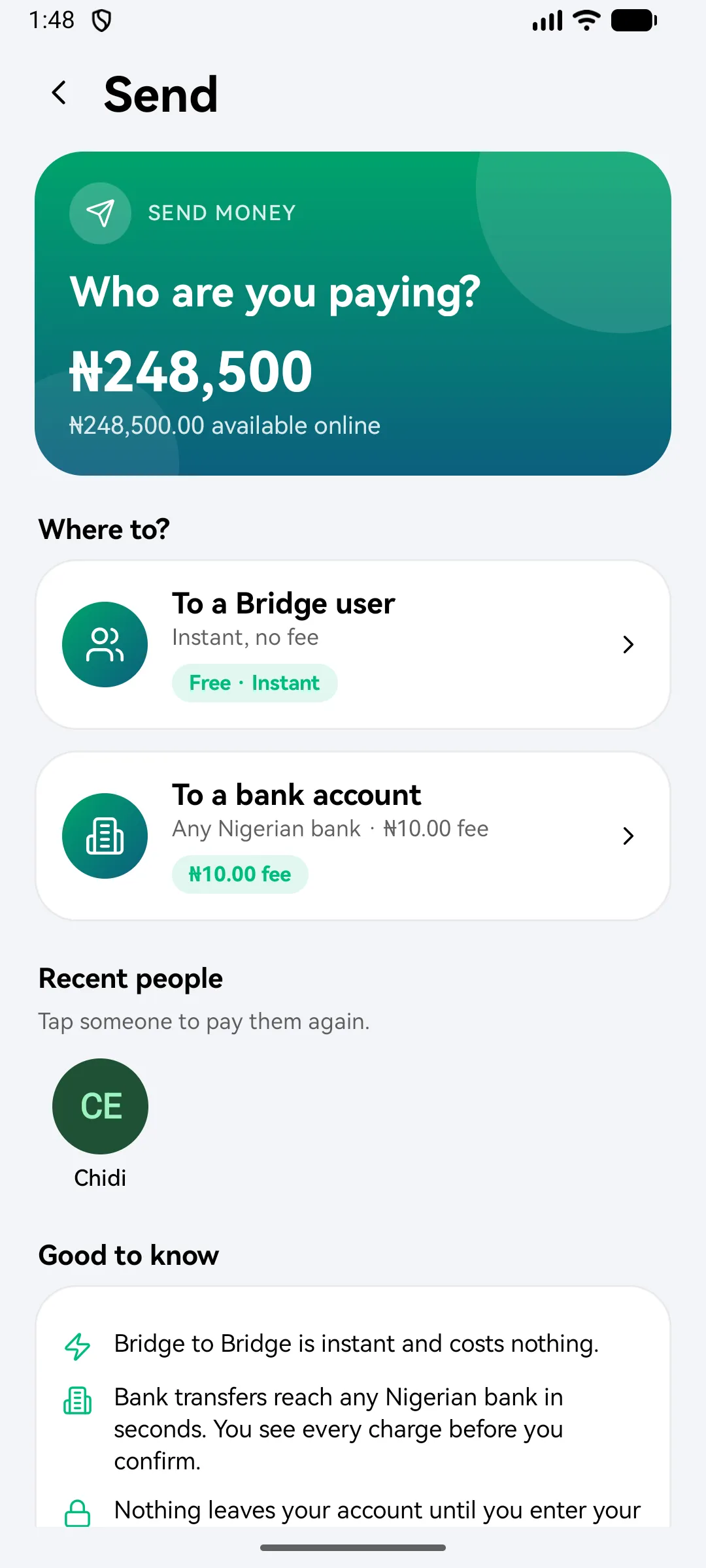
Send to a Bridgemoni user
Applies to Bridgemoni 2.1Last checked 22 October 2026
Sending money to another Bridgemoni user is free and arrives instantly.
Steps
- On the home screen, tap Send, then To a Bridgemoni user.
- Search by name or phone number, or pick someone from your recent people.
- Enter the amount, and add a note if you like.
- Check the details, then tap to continue.
- Enter your money PIN.
You’ll get a receipt with a reference straight away.
If something goes wrong
- The amount turns red. It’s more than your balance, or more than your limit for one payment.
- You’re offline. Online sending needs a network. If you have money on your phone, you can pay someone nearby with no network instead.
What you'll see
Did this help?
Thanks for telling us.
Still stuck? Contact us. We'll never ask for your PIN or password.