 Bridge
Reset your password or PIN
Applies to Bridgemoni 2.1Last checked 22 October 2026
Forgot your password
- On the sign-in screen, tap Forgot password?
- Enter the number on your account. We’ll text you a code.
- Enter the code, then set a new password: at least 12 characters, with letters and numbers.
Your offline PIN doesn’t change.
Change your money PIN
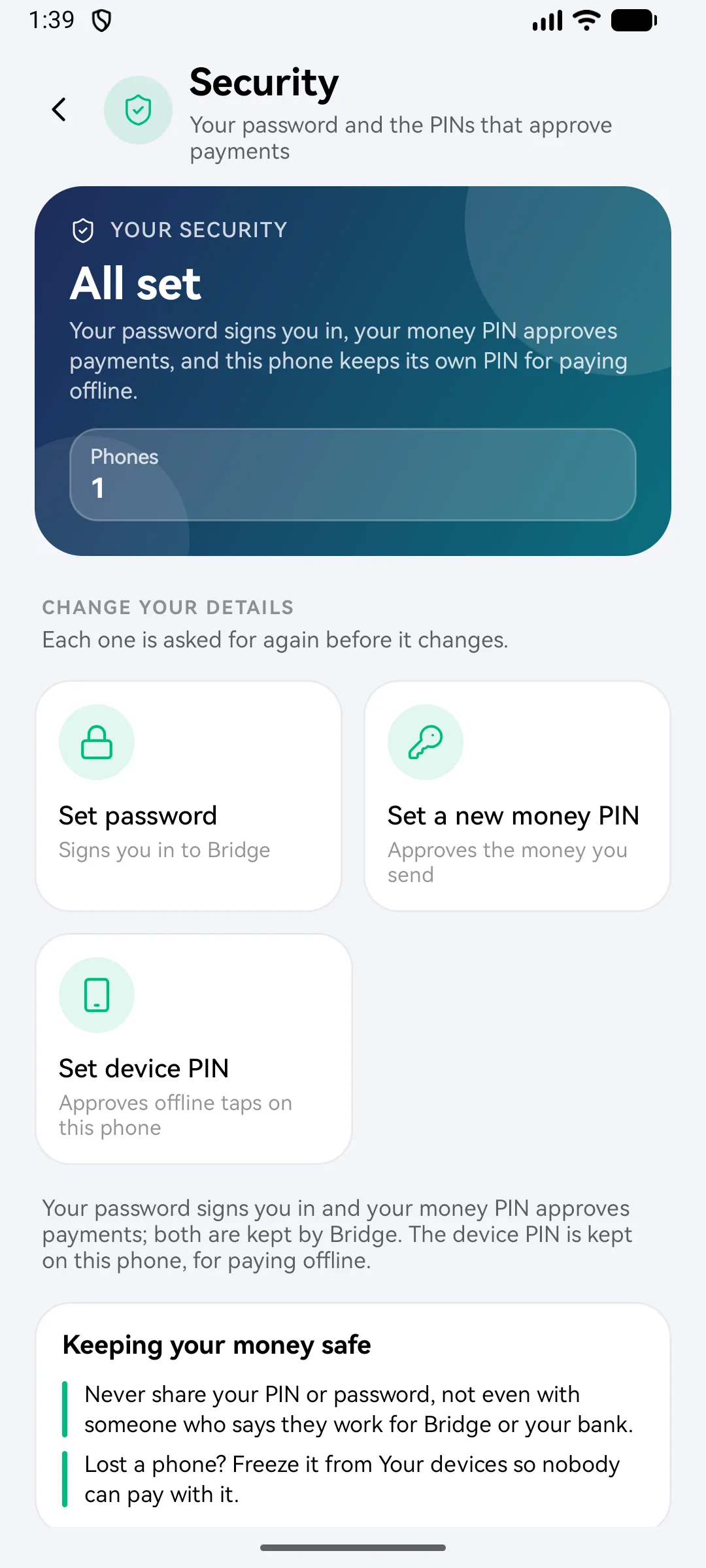
- Open your profile and go to Security.
- Tap Set a new money PIN.
- Enter your current PIN, then the new one twice.
Change your password
In Security, tap your password. Setting a new one asks for the one you use now.
Never share your PIN or password, not even with someone who says they work for Bridgemoni or your bank.
What you'll see
Did this help?
Thanks for telling us.
Still stuck? Contact us. We'll never ask for your PIN or password.