 Bridge
Check a voucher before you accept it
Applies to Bridgemoni 2.1Last checked 22 October 2026
If someone pays you with a voucher, check it before you hand anything over.
Steps
- Tap Vouchers, then Check a code.
- Scan the voucher’s square with your camera, or type the code.
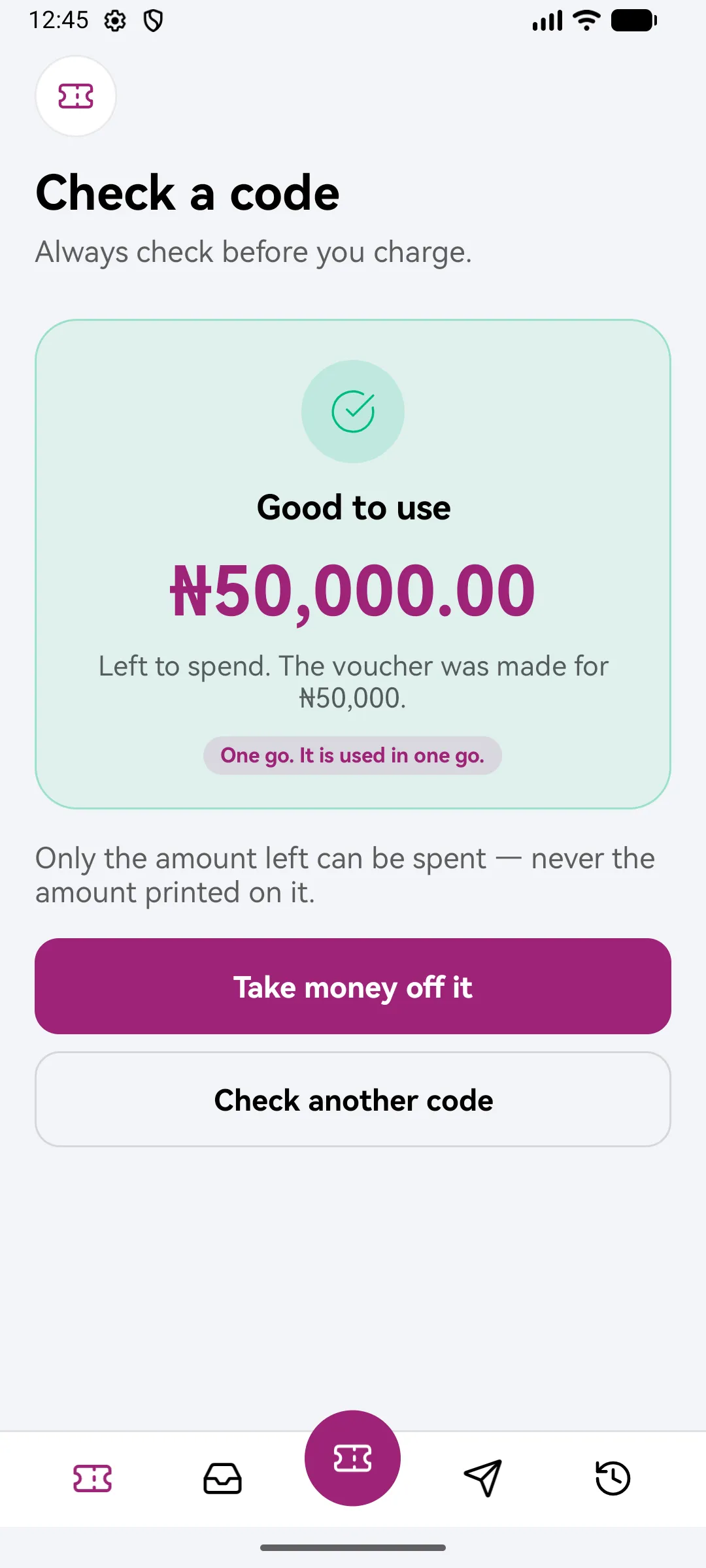
- You’ll see whether the code is good, and how much is on it.
Only accept the voucher if the check says it’s good and the amount is right.
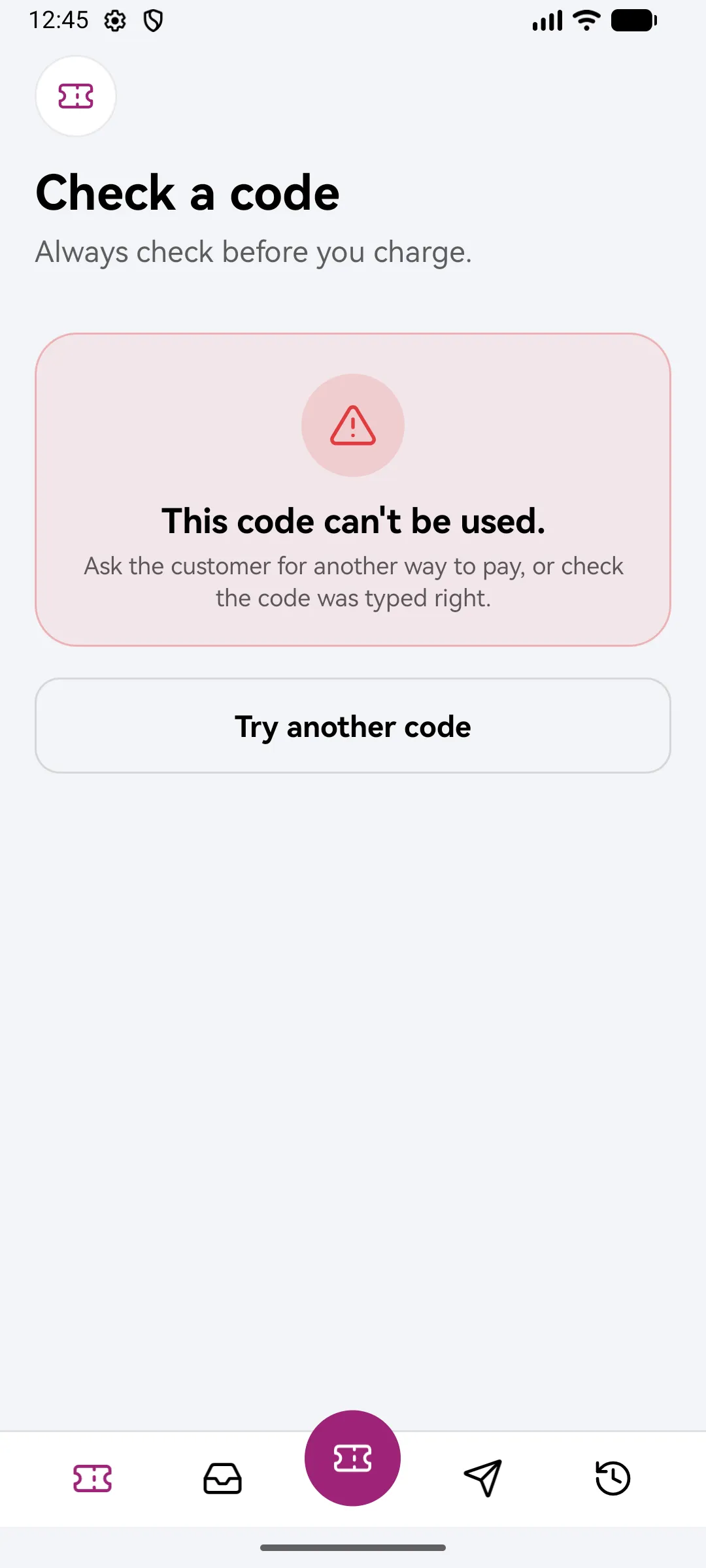
If the check fails
Don’t accept it. The code may be wrong, already used, or closed. Ask the person to check the code with whoever gave it to them.
What you'll see
Did this help?
Thanks for telling us.
Still stuck? Contact us. We'll never ask for your PIN or password.