 Bridge
Save and schedule a bill
Applies to Bridgemoni 2.1Last checked 22 October 2026
Save the bills you pay often, and Bridgemoni can remind you or pay them for you.
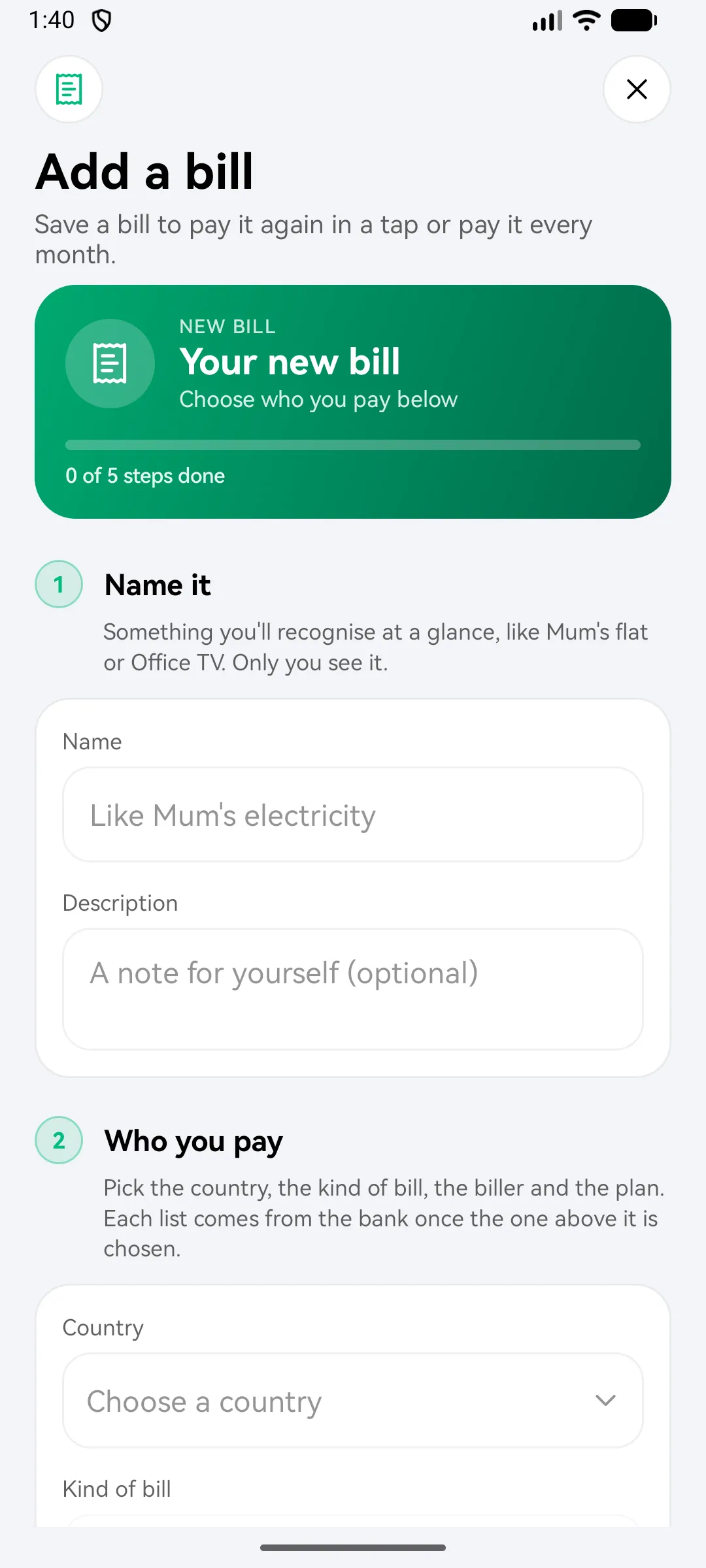
Save a bill
- When you pay a bill, choose to save it. Or open Bills and add a new one.
- Give it a name, like “Mum’s electricity”.
- Tap Save bill.
Next time, tap the saved bill and pay in a tap.
Schedule a bill
- In Bills, open Scheduled bills and choose a saved bill.
- Pick the amount and a day of the month, from the 1st to the 28th.
- Confirm with your money PIN.
Bridgemoni nudges you before a bill is due, and the calendar shows what’s paid, failed and coming.
What you'll see
Did this help?
Thanks for telling us.
Still stuck? Contact us. We'll never ask for your PIN or password.