 Bridge
Pay electricity and find your token
Applies to Bridgemoni 2.1Last checked 22 October 2026
You can pay for electricity from your main account. For prepaid meters, your token is on the receipt.
Steps
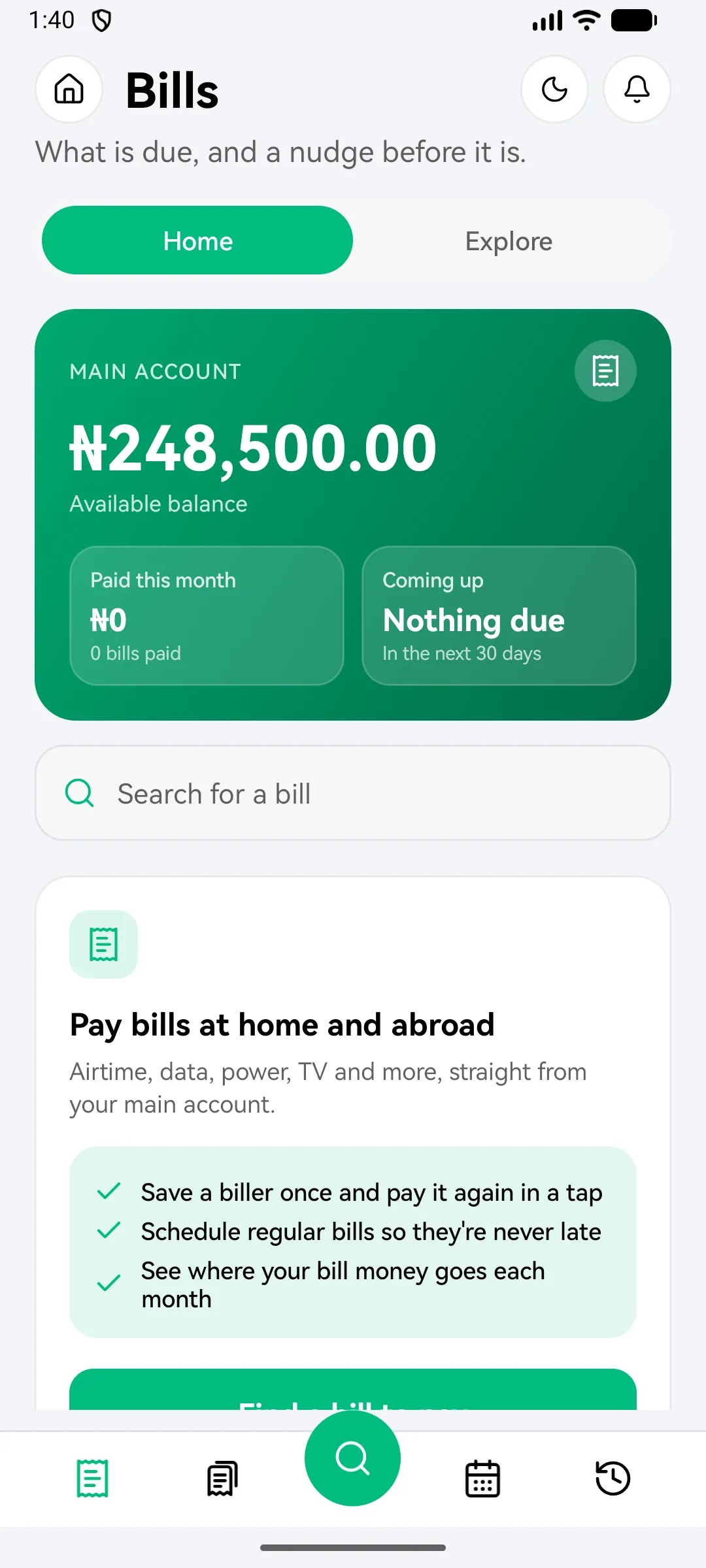
- Tap Bills, then Electricity, and choose your electricity company.
- Enter your meter number. The company confirms the name on the meter, so you know it’s the right one.
- Enter the amount.
- Check the details and charges, then enter your money PIN.
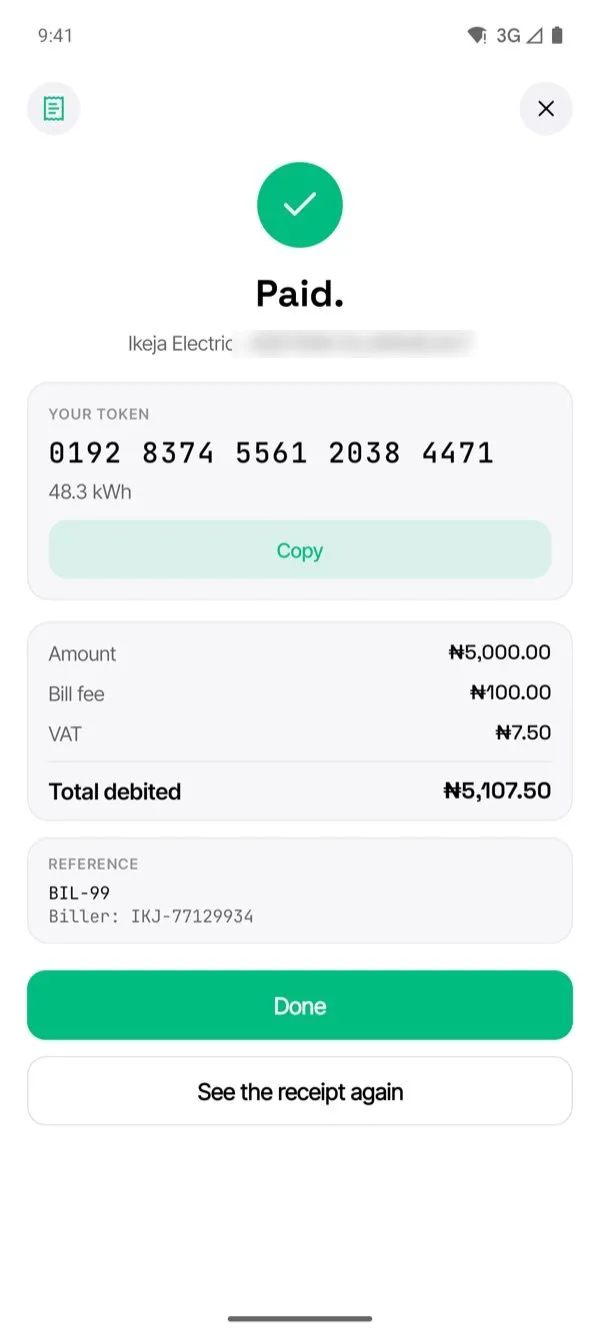
- Your receipt shows Your token. Tap Copy and enter it on your meter.
Find a token later
Open Bills, then Bill history, and tap the payment. The token is on the receipt.
If your token didn’t arrive
Check Bill history first. If the payment shows but there’s no token, contact us with the reference from the receipt.
What you'll see
Did this help?
Thanks for telling us.
Still stuck? Contact us. We'll never ask for your PIN or password.