 Bridge
Start or join a community
Applies to Bridgemoni 2.1Last checked 22 October 2026
A community is a shared pot for a group: an estate, a market association, a family meeting, a class.
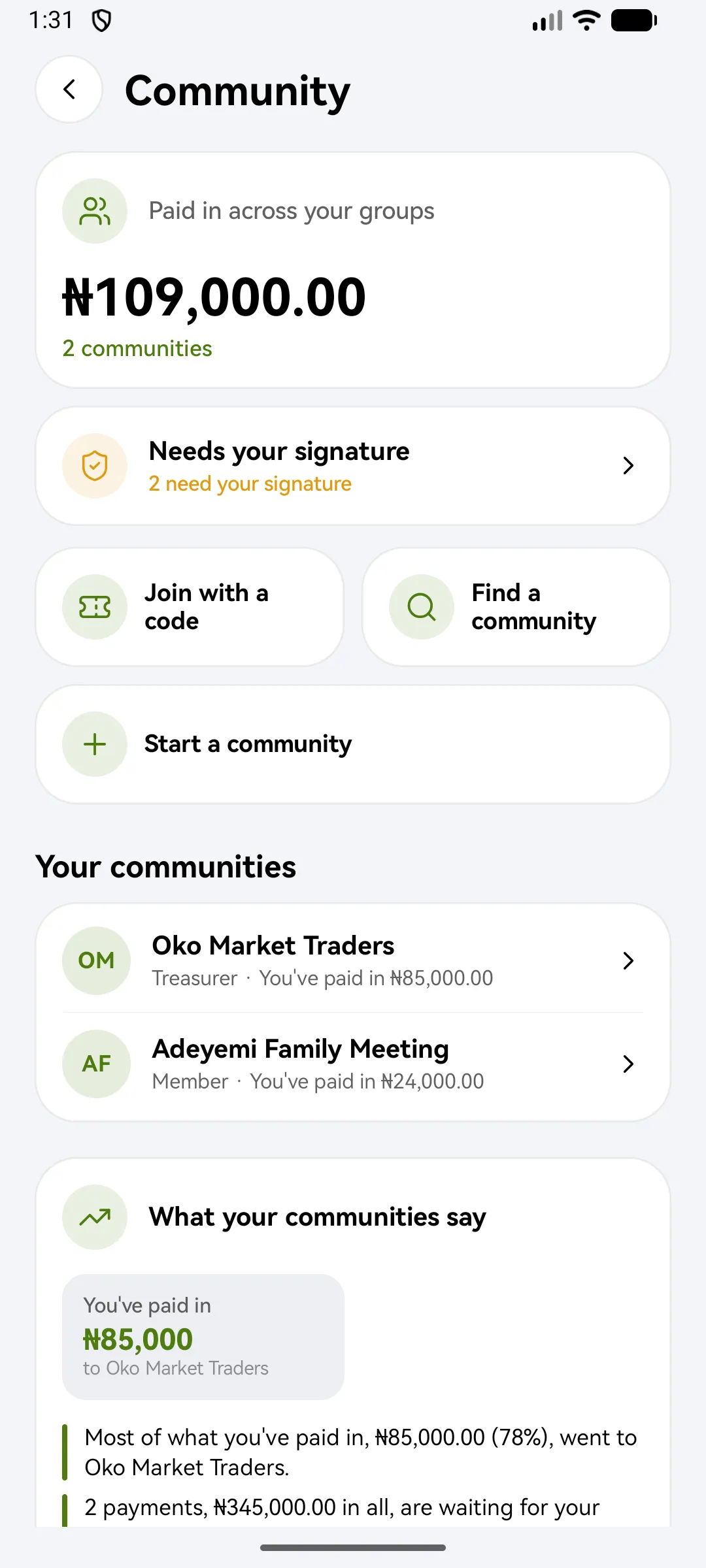
Join with a code
- Tap Community, then I have a code.
- Type or paste the code from your invitation. A whole link works too.
- Check the invitation: who it’s from, and the role you’d join as.
- Tap Join this community.
If the invitation can’t be used, it may have expired, been used up or been taken back. Ask whoever sent it for a new one.
Start a community
- Tap Community, then start one.
- Choose how people get in, and how many officers must sign a payout. The minimum is two.
- Your community starts as a draft. Tap Activate and open the pot.
- Invite members with a code or link.
Big groups can start chapters.
What you'll see
Did this help?
Thanks for telling us.
Still stuck? Contact us. We'll never ask for your PIN or password.