 Bridge
Set a budget
Applies to Bridgemoni 2.1Last checked 22 October 2026
A budget is a limit for a category, like food or transport.
Steps
- Tap Budgets, then add a budget.
- Pick a category, or make your own.
- Set the limit and how often it runs: a day, a week, a month, a quarter, a year, or your own dates.
- Choose whether what’s left carries into the next one.
Bridgemoni warns you at half, at 80% and when you reach the limit.
Payments filed for you
Your payments are filed into categories on their own. Move one to another category and Bridgemoni can make a rule so the next one goes there too.
Cash too
Add cash spending and income, so the picture is whole.
Spending goals
A spending goal is a cap for a week or a month. You get one alert when you pass it.
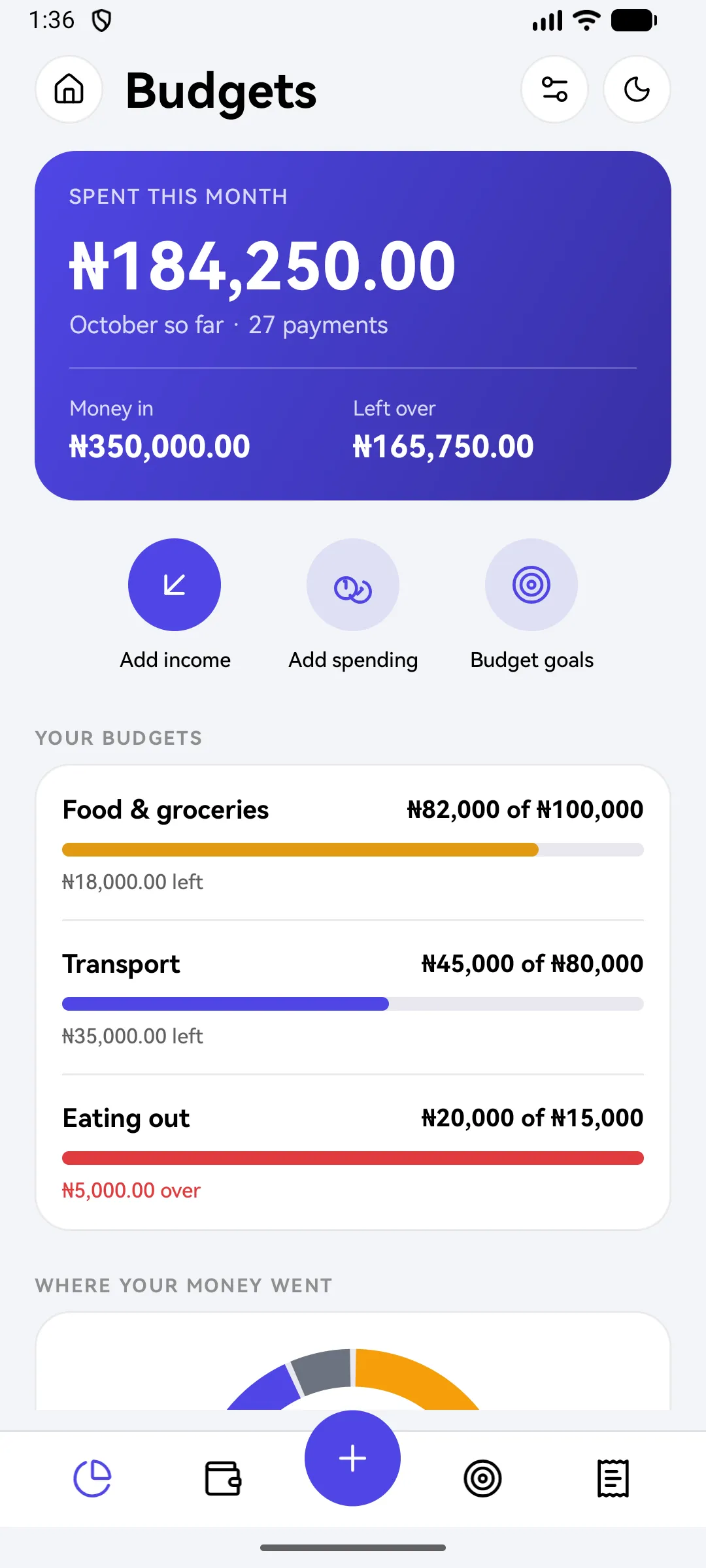
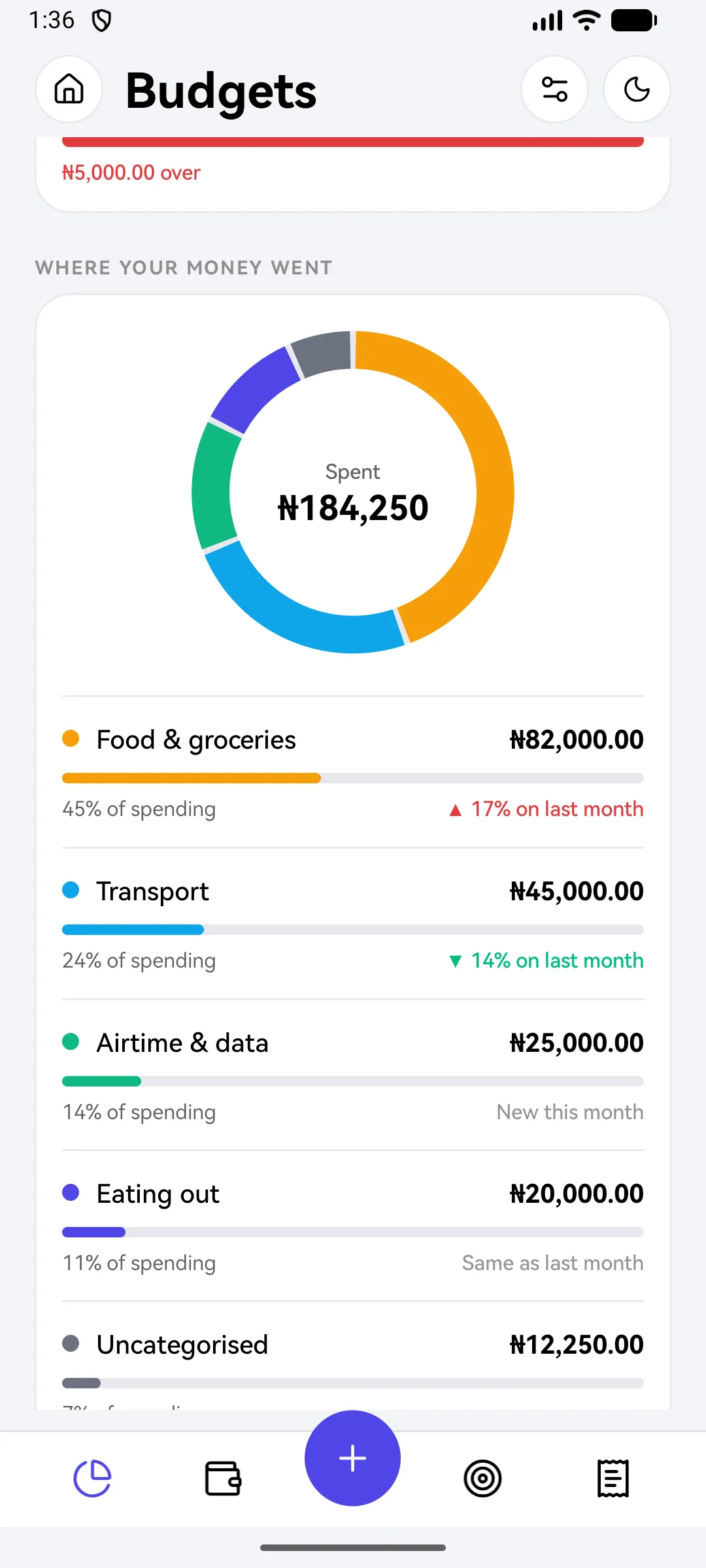
What you'll see
Did this help?
Thanks for telling us.
Still stuck? Contact us. We'll never ask for your PIN or password.